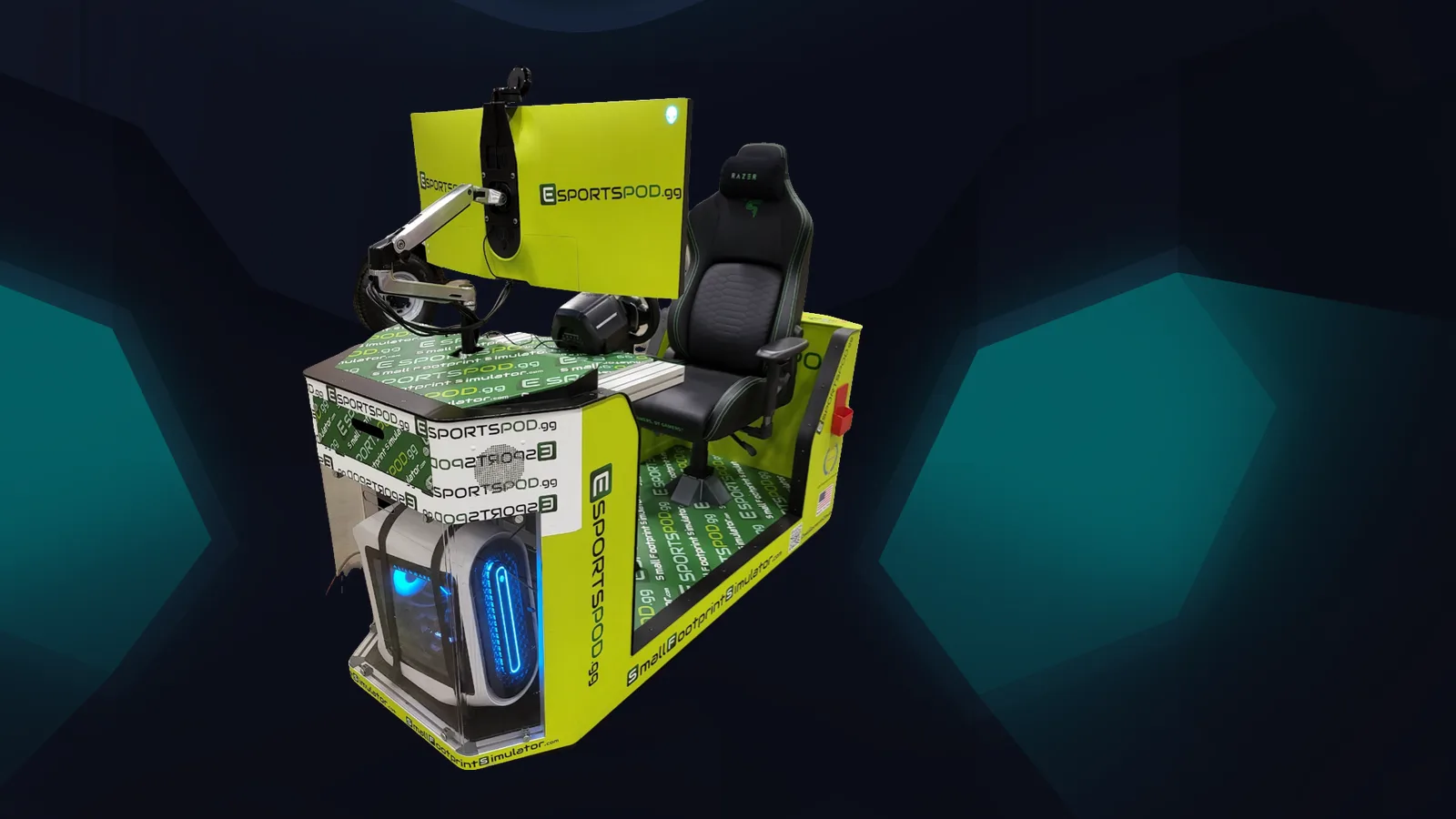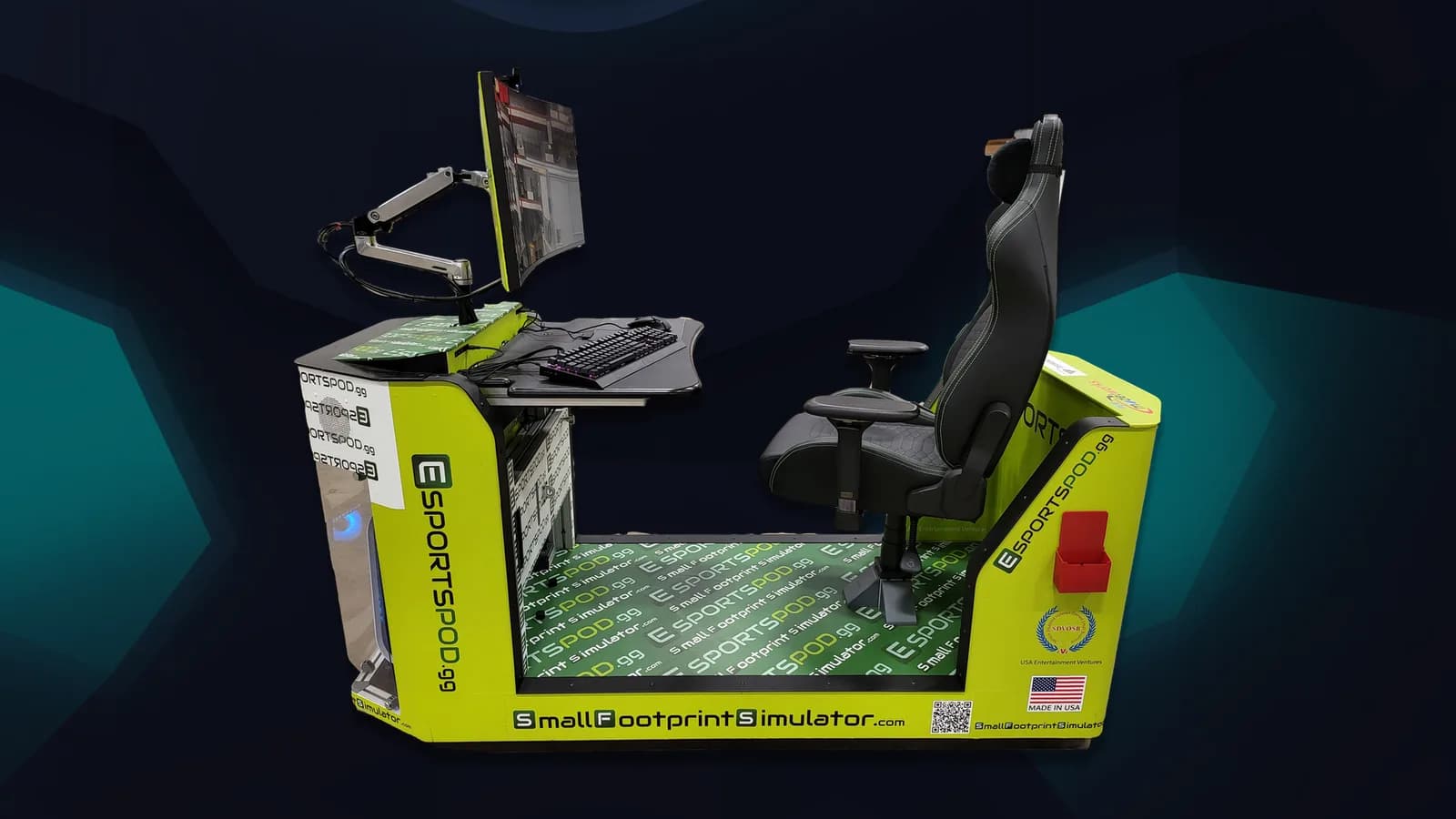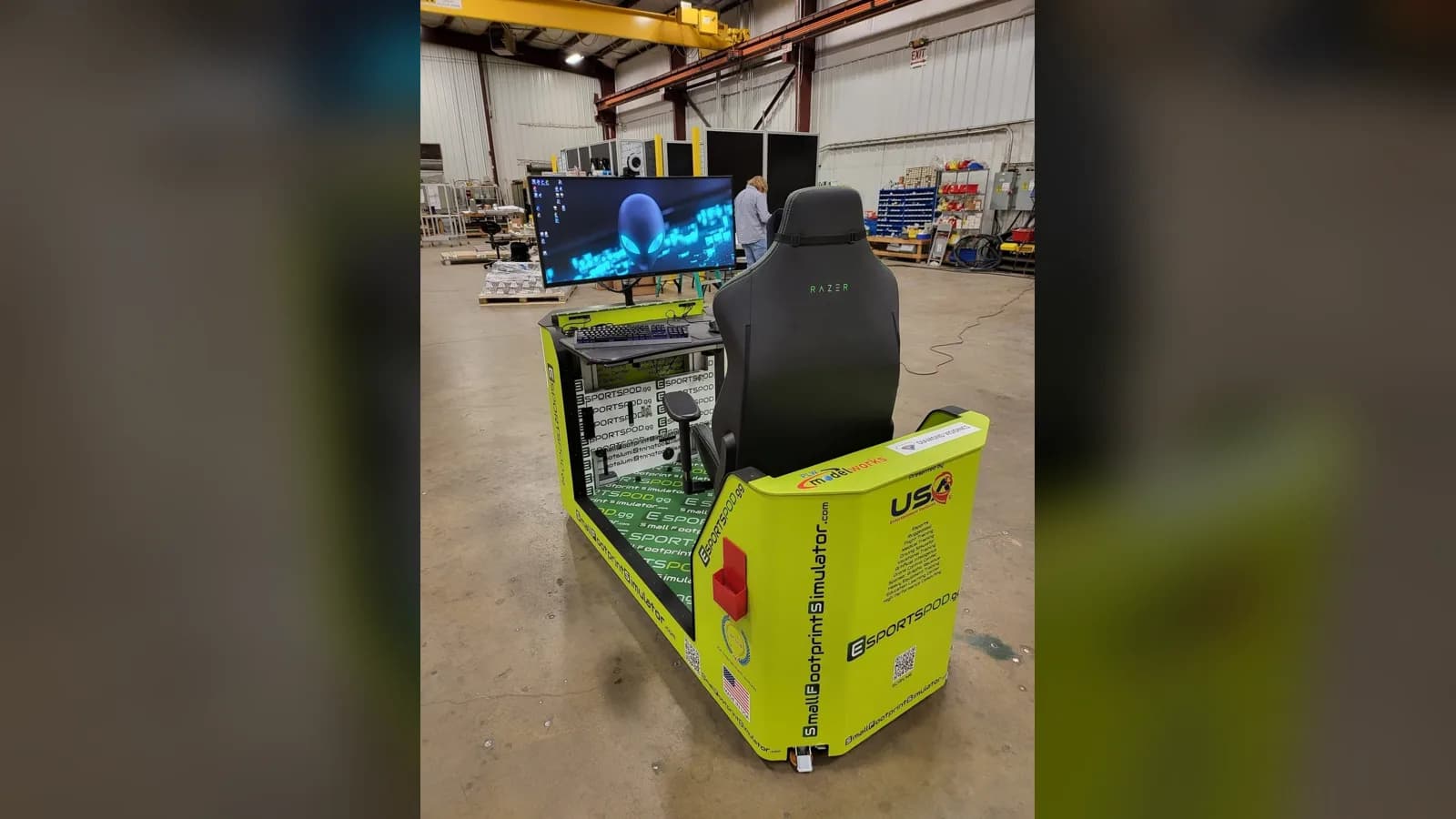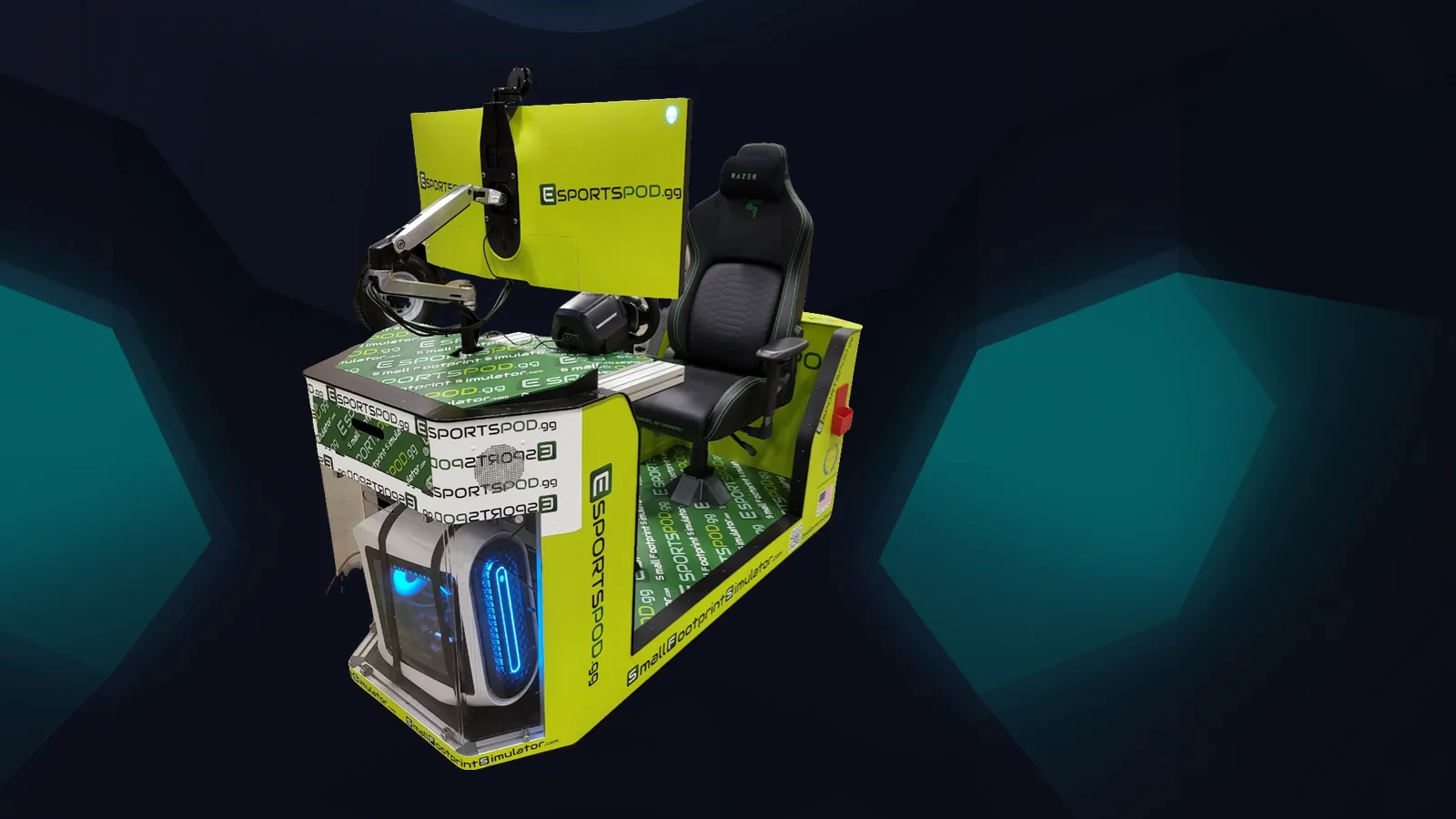
The Esport Pod rolls because most schools don't have a spare room for gaming. Esport Pod by Sports Media, Inc. sits on wheels, fits through standard doors and into elevators, runs on a standard 110V outlet, and includes a projector slot that mirrors the screen to a classroom wall. That turns any room into a gaming room for an hour.
Key takeaways
- Wheels, a small footprint and one seat make the pod easy to move and store.
- Standard doors, elevators and a 110V outlet mean no construction.
- The projector slot lets a whole class watch one pod.
- Mobility spreads one deployment across classrooms, labs and libraries.
Why does an esports station need wheels?
Because space in schools is contested. Classrooms get reassigned, labs get booked, and a permanent gaming room is a hard sell when every square foot is spoken for.
A rolling pod avoids that argument. Staff can park it in a storage closet, bring it to a physics room on Tuesday and move it to the library for an after-school session on Thursday. The pod is a single-seat unit with a small footprint, so it doesn't take over a space the way a row of towers and desks does.
It also helps with accessibility and supervision. A teacher can keep pods where adults are present rather than in a remote corner of the building.
Will it fit through our doors and elevators?
Yes, that's the design. The pod fits through standard doors and into elevators, which covers most school buildings, including multi-story ones.
We'd still suggest a quick walk-through before delivery. Measure your tightest doorway, check the elevator you plan to use and look for thresholds or ramps along the route. Older buildings sometimes have surprises. If anything looks tight, tell us during planning so we can sort it out before installation day.
What power and network does it need?
A standard 110V outlet. That's the same wall power as a lamp or a laptop charger, which means no electrician and no dedicated circuit planning for typical use.
The pod also includes a modem and built-in Wi-Fi. Your IT lead should still review how it connects to school networks, since district policies vary. If you're running several pods at once, think about how many outlets are in the room. Bringing a few pods into one space is easy to plan and easy to forget.
How does the projector slot work in a classroom?
The projector slot mirrors the pod's screen to a classroom wall. One student plays, and everyone else sees the same image at a larger scale.
This changes how a lesson can run. A coach can pause a scrimmage and discuss a decision. A physics teacher can show a braking point on a racing lap. A flight instructor can walk through a checklist while a student flies. It also turns a practice into a small event, which is how many programs grow. Our products page shows the configuration.
How do you use pods across a campus?
Treat them like shared lab equipment. Make a simple schedule, assign a staff lead and use a sign-up sheet.
- Daytime classes: physics, CTE, media or technology.
- Lunch and after school: open practice and team sessions.
- Events: roll several pods into the gym or library for a LAN day, where everyone competes under identical network conditions.
- Storage: keep a secure, dry spot with an outlet near the elevator.
Deployments come in sets of 10, 20 or 30, which cost $300,000, $600,000 and $900,000 respectively and include installation, training and sponsorship support. Our sponsorship page explains how outside partners can help.
Frequently asked questions
Can one pod serve several classrooms?
Yes. Because the pod rolls on wheels and fits through standard doors and elevators, staff can move it between rooms as needed. A simple booking schedule and a designated storage spot keep it available for classes, clubs and events without taking permanent space.
Does the pod need special electrical work?
No. It runs on a standard 110V outlet. Confirm that the outlets in your planned rooms are accessible and that the circuit isn't overloaded if you plan to run several pods together. Your facilities team can check that quickly.
What does the projector slot do?
It mirrors the pod's screen to a classroom wall, so a class, team or audience can watch what the player sees. That makes the pod useful for instruction, coaching and small events, not just for one person playing in a corner.
How many students can use a pod at once?
One at a time. The pod is a single-seat station with a small footprint. For groups, rotate students through short sessions and use the projector slot so the rest of the class can watch and take part in discussion.
If you'd like to check fit in your building, book a demo and bring your measurements.