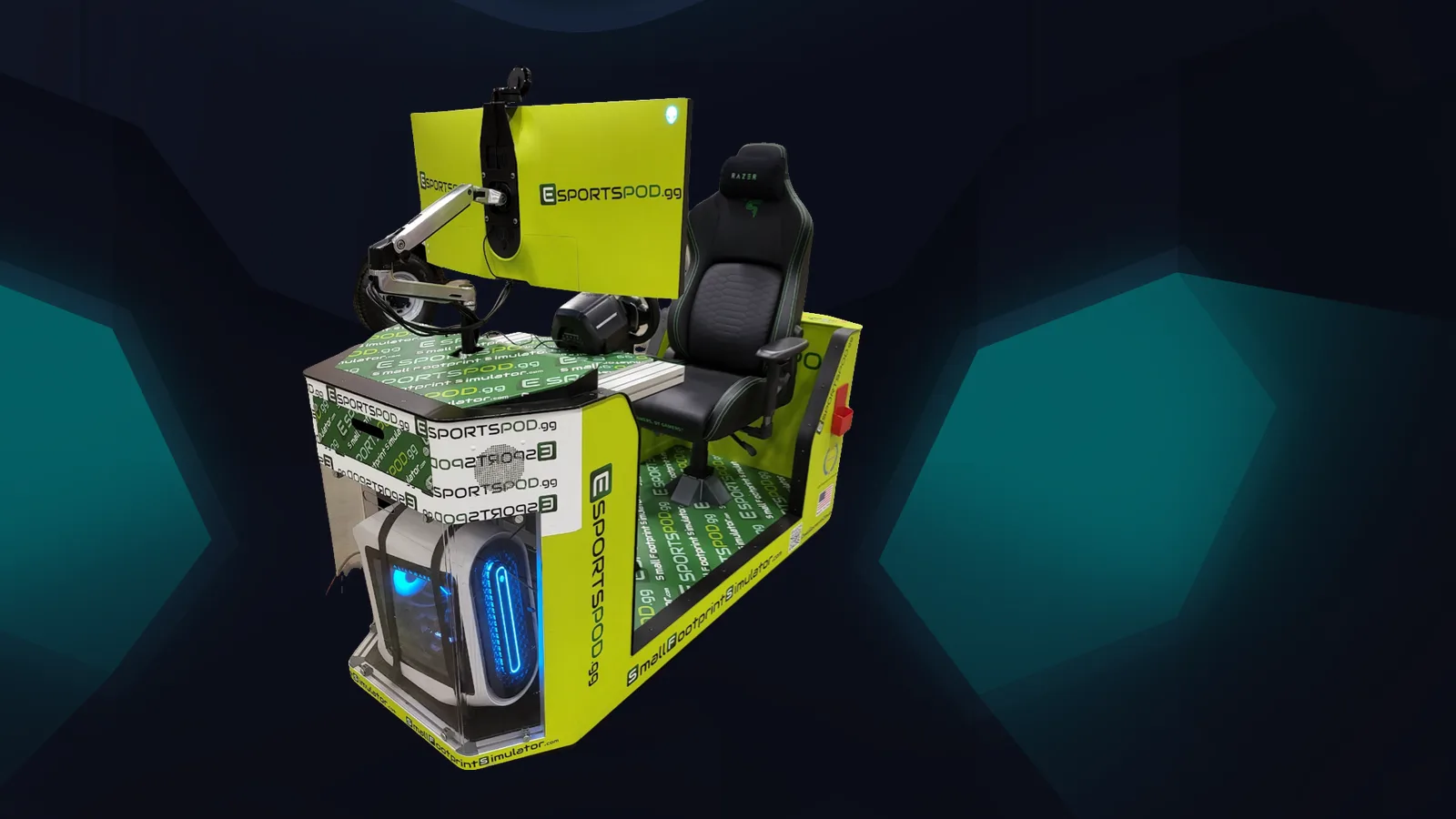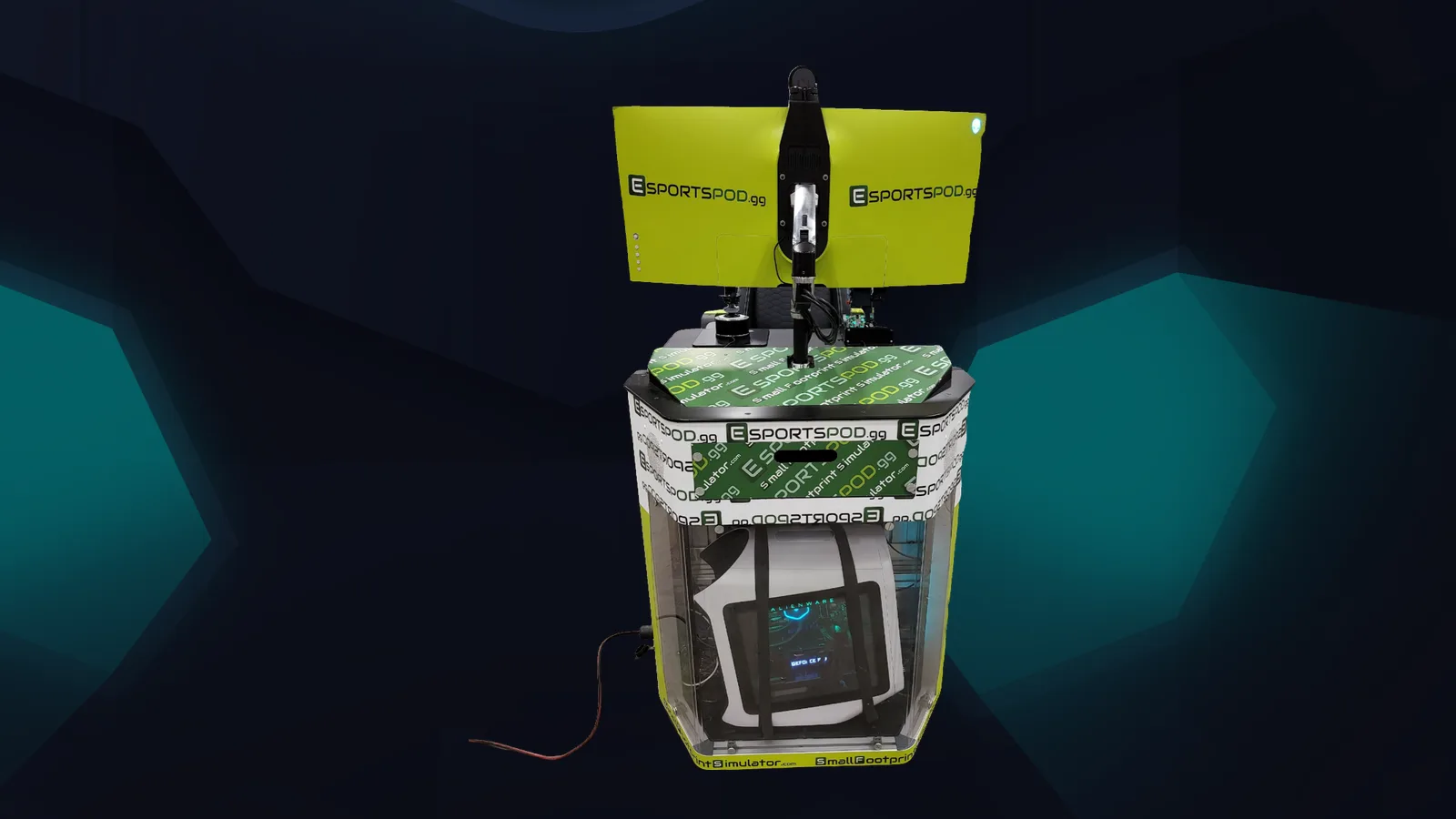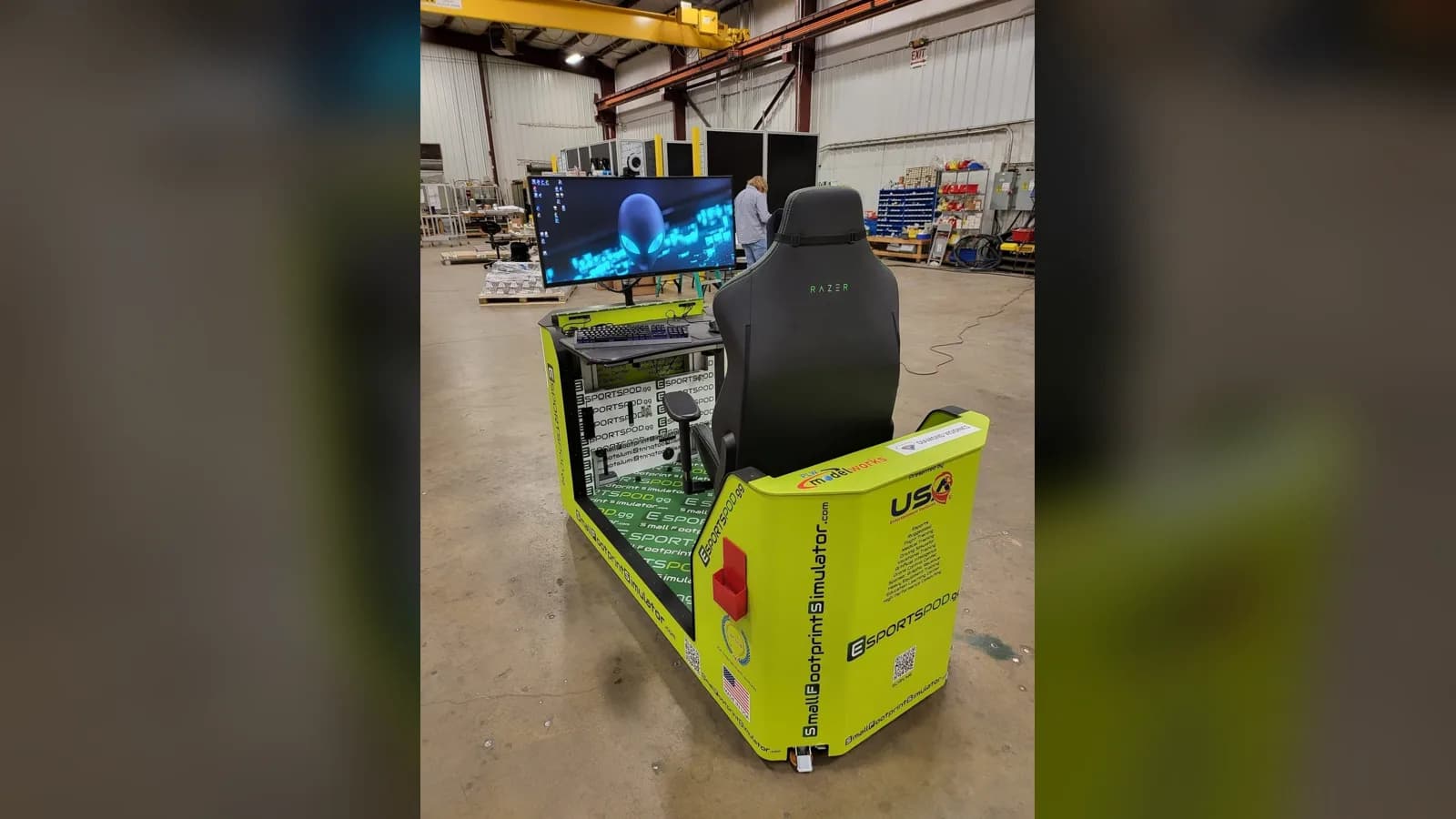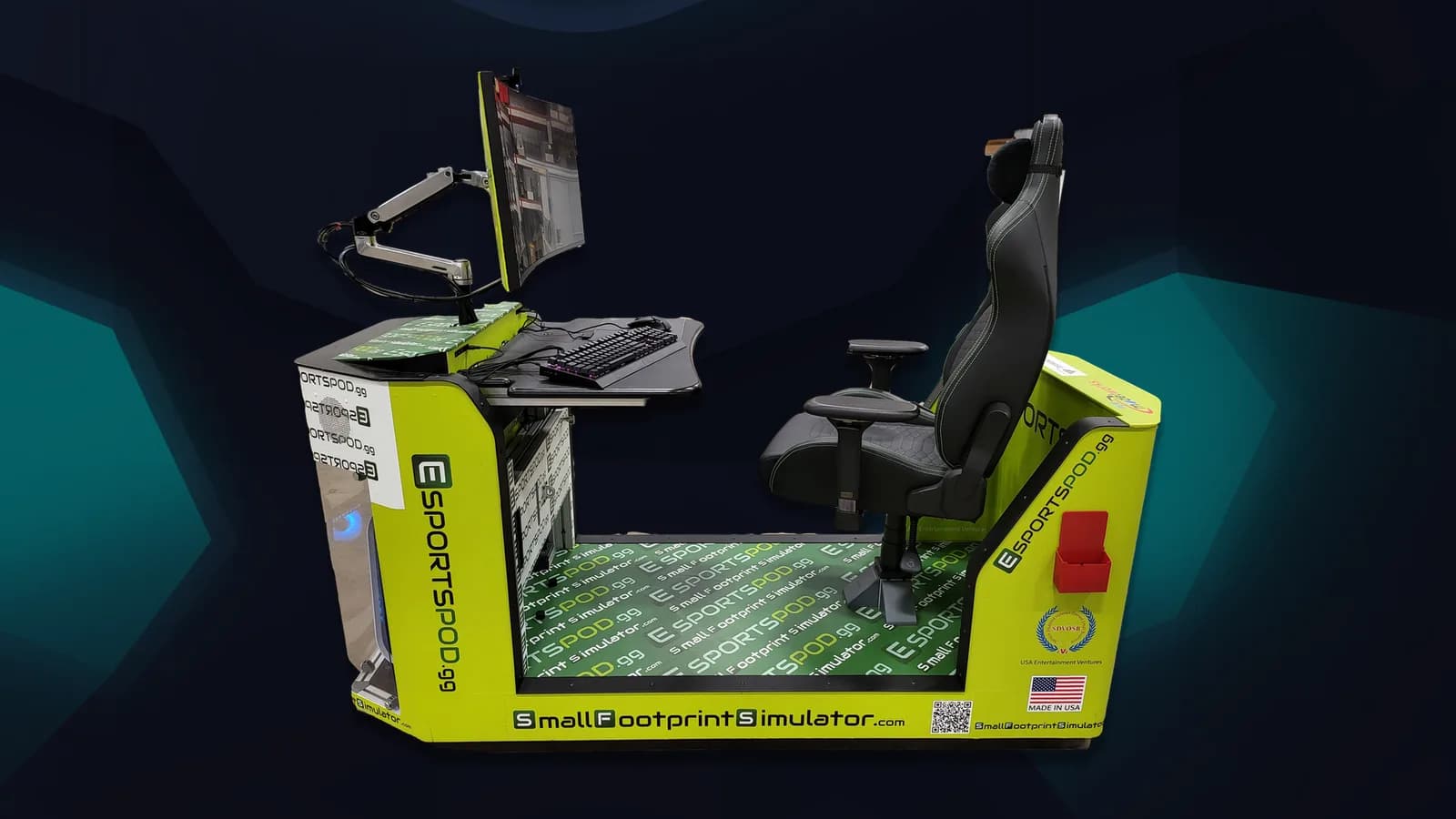
An Esport Pod can anchor STEM and career-technical lessons in computer hardware, networking, media production, simulation and data analysis. Esport Pod by Sports Media, Inc. is a single-seat station with a gaming PC, curved monitor, camera, headset and optional wheel, flight controls or VR, which gives teachers real equipment to build units around.
These are starting ideas, not a prescribed curriculum. Align them to your own standards and pathways.
Key takeaways
- One pod can serve several courses, from IT to media to physics.
- The projector slot mirrors the screen to a classroom wall, so a demo reaches a whole class.
- Wheel, pedals and flight controls make simulation and mechanics lessons concrete.
- Streaming tools support communications and digital media units.
- Check any title against your district's content and age rating policies.
How can a pod support computer science and IT courses?
Treat it as a lab you can actually touch. The pod's components give students a real system to study, within whatever limits your IT team sets.
- Hardware literacy: Identify the components of a gaming PC, then discuss what each does and how they affect performance.
- Networking basics: Each pod includes a modem and built-in Wi-Fi. Students can map how a device reaches the internet and discuss why online play adds ping.
- Troubleshooting: Build a simple ticket system where students document a problem, test a fix and report the result.
- Cybersecurity habits: Account security, passwords, phishing and safe chat practices are unusually relatable here.
What physics and engineering lessons work with simulators?
The Thrustmaster T248 RS GT wheel, pedals and shifter, or the available flight controls, turn abstract ideas into things students can feel. Have them run the same lap or flight several times and change one variable at a time.
Good prompts: How does braking point change lap time? What does a student notice about steering input and vehicle response? How does a simulator differ from the real thing? That last question is a good one, because it leads to a discussion of modeling and its limits.
If your pod includes the optional HTC Vive Pro Eye VR, you can extend this into spatial reasoning and design review.
How does it fit media and communications pathways?
The pod includes a Razer Kiyo streaming camera and a Razer Kraken V3 HyperSense headset, so a broadcast unit is nearly built in. Students can plan a show, write a run of show, handle camera and audio, and review the result.
- Shoutcasting and live commentary build speaking and listening skills.
- Graphics and branding projects give design students a real client: the team itself.
- Social media planning teaches audience, tone and responsible posting.
What math and data lessons can students do?
Match data is a tidy way to teach statistics. Students can record their own results, build charts, look for patterns and argue about what the data does and doesn't show.
Keep it honest. A small sample of matches proves very little, and that's a fine lesson in itself. Students who learn to say "we don't have enough data yet" are ahead of many adults.
How do you structure a unit?
- Pick one learning goal per unit, not five.
- Decide what the pod demonstrates and what students produce.
- Schedule pod time in short, rotating stations so a class of 25 isn't watching one person play.
- Use the projector slot to mirror the screen for whole-class discussion.
- Assess the written or recorded work, not the game score.
| Course area | Pod feature | Sample activity |
|---|---|---|
| IT and networking | Modem and built-in Wi-Fi | Map the connection path |
| Physics and engineering | Wheel, pedals, flight controls | Change one variable, compare runs |
| Media | Camera and headset | Produce a short broadcast |
| Statistics | Match records | Chart and critique results |
Frequently asked questions
Do teachers need gaming experience to use a pod?
No. Teachers need a clear learning goal and a plan for student rotation. Installation and training support from Sports Media, Inc. is included with deployments, and students often enjoy explaining the controls. Your job is to keep the activity tied to the lesson objective.
Can one pod work for a full class?
Yes, with planning. Use the projector slot to mirror the screen to a classroom wall, rotate small groups through hands-on stations, and give the rest of the class a task such as recording data or critiquing. Larger deployments allow more students at stations at once.
Which standards does this align to?
That depends on your state, district and course. We don't claim alignment to specific standards, and we'd rather teachers map them than trust a generic claim. Start from your own course outcomes and choose the pod activities that fit.
Are there content concerns with games?
Yes, and they are worth planning for. Choose titles that fit your district's policy and age ratings, write an acceptable use policy and decide who approves new games. Simulation and sports titles are often easier to place in a school setting than others.
Next step
Teachers and CTE directors can see the full hardware on the products page, or book a demo to see how the pod fits a lab or classroom. If you want to involve students beyond class time, check our internships as well.