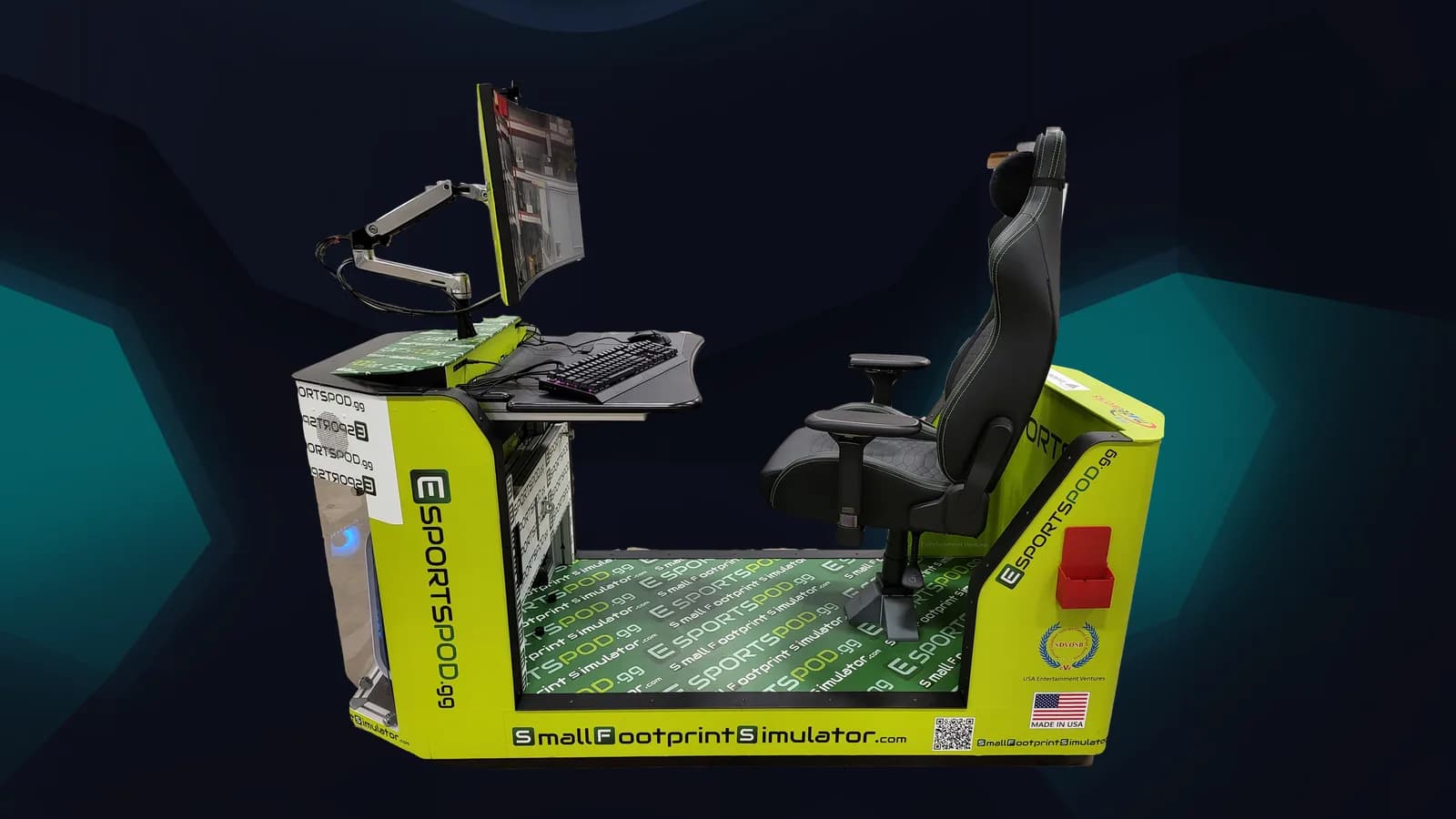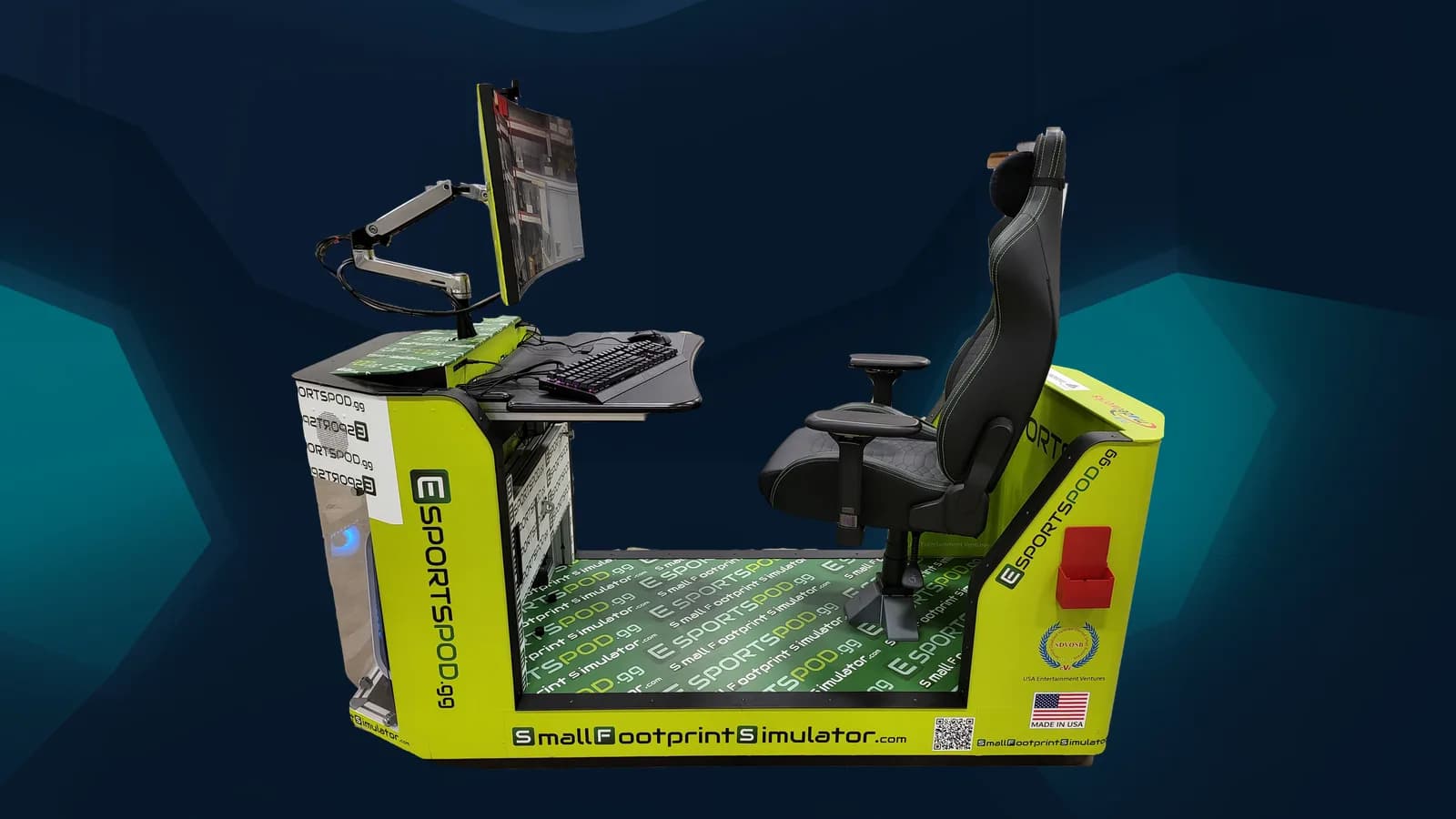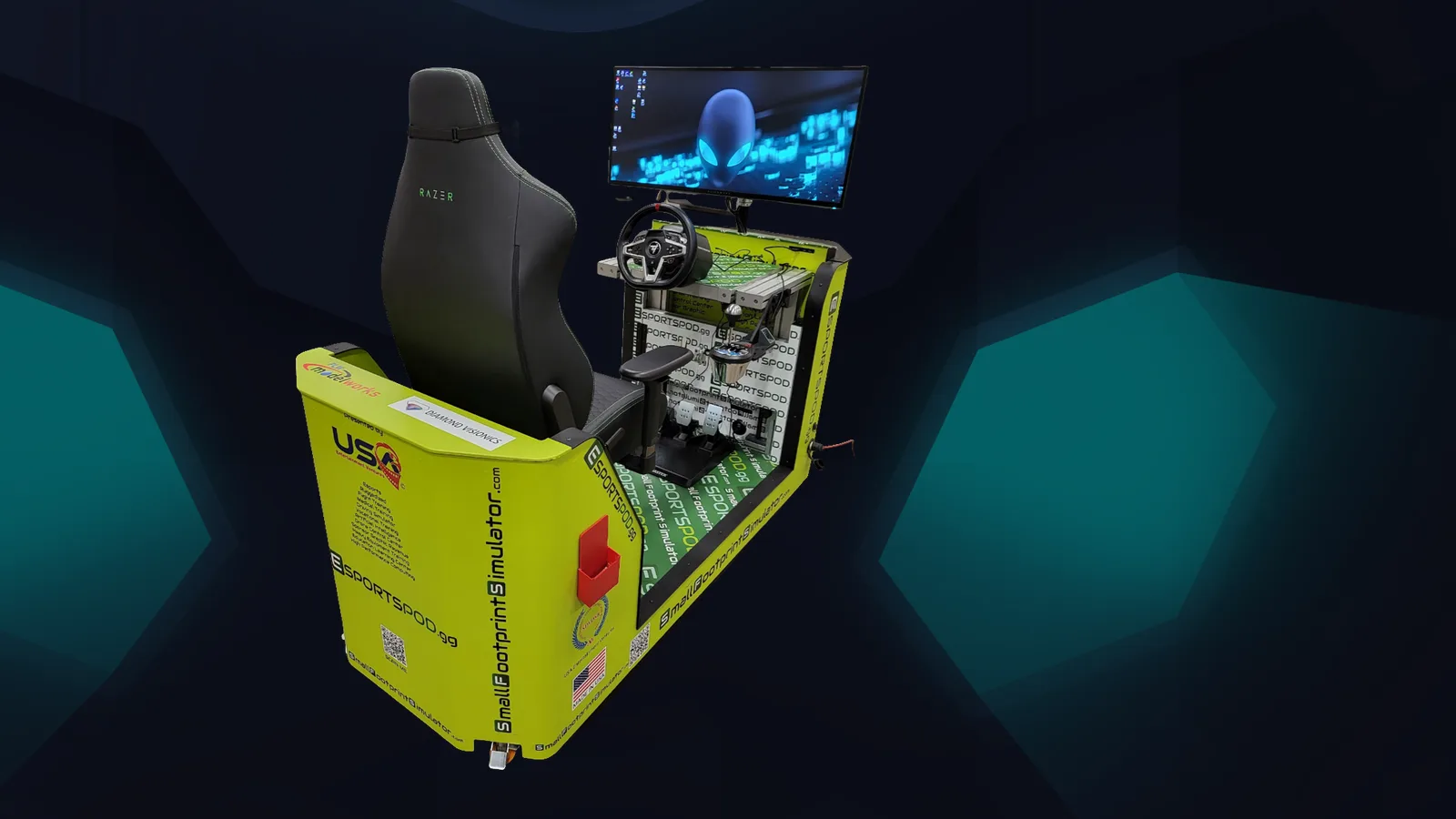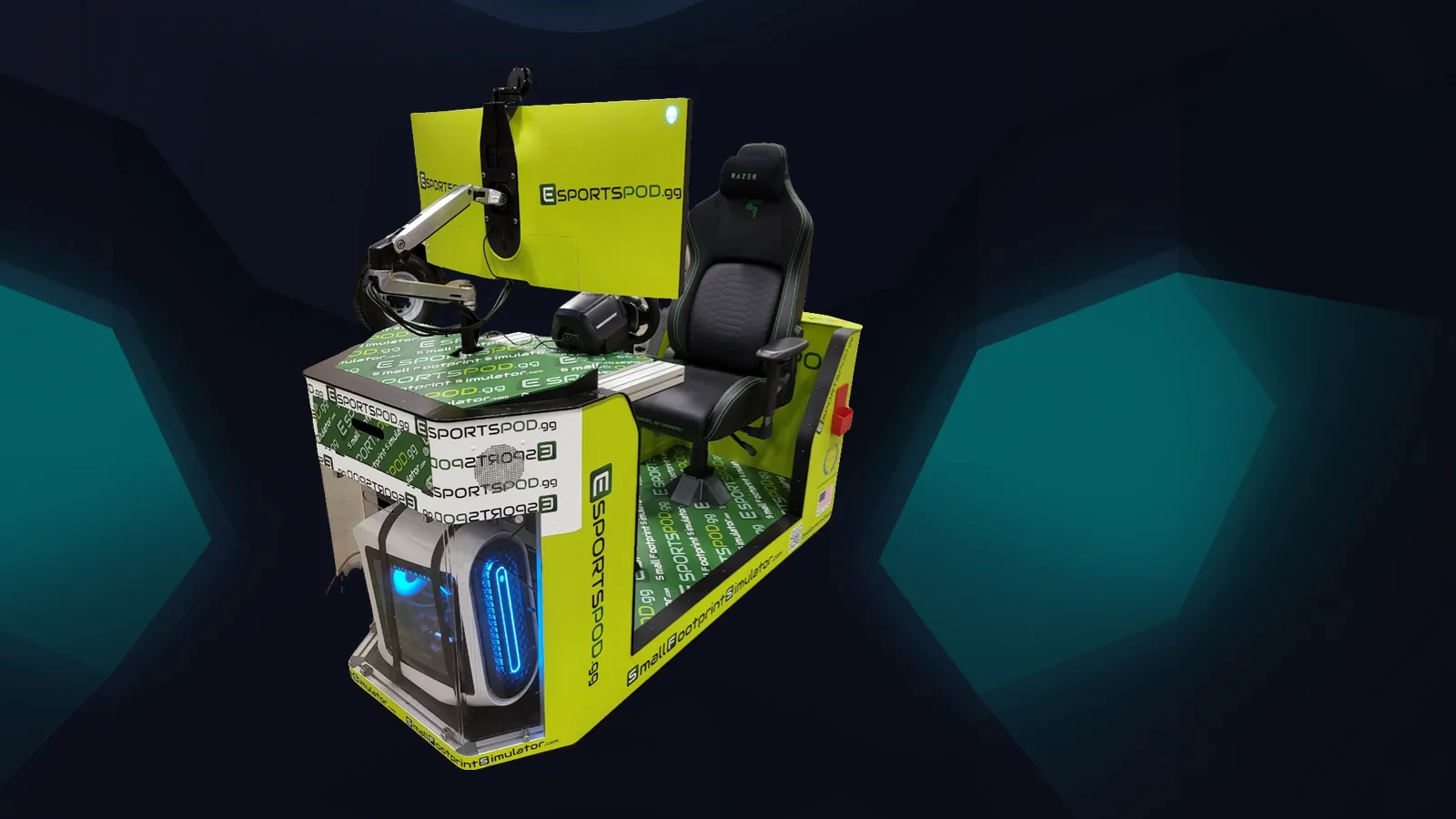
A 90-day pod rollout works when you split it into three phases: prepare in days 1 to 30, install and train in days 31 to 60, and launch and measure in days 61 to 90. The Esport Pod by Sports Media, Inc. is built to make this workable, since it rolls on wheels, runs on a standard 110V outlet and includes installation and training.
Key takeaways
- Days 1 to 30: confirm sites, power, network and the program lead at each school.
- Days 31 to 60: install pods, train staff and publish conduct rules.
- Days 61 to 90: launch with students, collect usage data and adjust.
- Treat the timeline as a planning template; confirm dates with Sports Media, Inc. for your own deployment.
What should happen in the first 30 days?
Settle the decisions that everything else depends on: which schools get pods, where they'll sit and who owns the program at each site. District rollouts stall when no one has a name next to the task.
- Pick a district lead and a named program lead per campus.
- Walk each room. Check outlets (standard 110V), doorways and elevators.
- Meet with IT about network access. Each pod has a modem and built-in Wi-Fi.
- Draft your student code of conduct and parent communication.
- Decide how pods will be allocated: 10, 20 or 30 across your sites.
Deployments are sold in packs of 10, 20 or 30 pods ($300,000, $600,000 or $900,000), including installation, training and sponsorship support. Finalize the order and the written quote before this phase ends.
How do you install and train in days 31 to 60?
Install the pods, then train staff before students touch them. Sports Media, Inc. provides installation and training as part of the deployment, and your own team supplies the local knowledge: room schedules, supervision and rules.
Because each pod is a compact single seat on wheels, you can stage them in a central location and move them to rooms as each campus is ready. Every pod ships with identical hardware, so one training outline works across the district.
- Install and test each pod, including network connection and the projector slot mirroring.
- Train program leads on hardware, game setup and session routines.
- Publish the conduct rules and parent notice.
- Run a small pilot session with staff or a few students at each site.
How do you launch with students in days 61 to 90?
Launch small and visible. Open sessions to a first group, collect feedback quickly and fix what's awkward before you widen access.
A district-wide LAN event is a good milestone. Identical hardware and identical network conditions at an in-person event mean fair play across campuses, which online play over distance can't promise. Use it to build momentum and to show the school board what the pods do.
What should you measure at 90 days?
Track a few simple things you can report plainly, and don't invent targets you can't verify.
- Sessions held per pod and per campus.
- Number of unique students who participated.
- Which clubs, classes or programs used the pods.
- Staff feedback on training and logistics.
- Any safety or conduct incidents and how they were handled.
Share the results with leadership and with any sponsor. Sponsors may be interested in digital rights, NIL access, pod usage rights and broadcast or OTT rights, and clear usage data helps those conversations. See the sponsorship page for how that works.
What commonly slows a district rollout?
Usually it's people and rooms, not technology. Unclear ownership, rooms that aren't actually available and late network conversations cause most delays.
Start the IT conversation in week one, not week five. Confirm the room is free during the hours you need it. And get one champion at each campus who actually wants this to work.
Frequently asked questions
Is 90 days a guaranteed timeline?
No. It's a planning template, not a delivery promise. Actual dates depend on your site readiness, order size and approvals. Confirm scheduling with Sports Media, Inc. when you receive your written quote, and build in slack for your own internal processes.
How many pods does a district need?
Deployments come in 10, 20 or 30 pods. The right number depends on your student population, number of campuses and how many hours each pod will be scheduled. Many districts start with a size that lets each campus run regular sessions without long queues.
Who trains the staff?
Training is included with every deployment from Sports Media, Inc. Your program leads should attend, and they can then show other staff at their campus. A short written session guide helps new staff get going without needing a full workshop.
Do all campuses need network upgrades?
Each pod includes a modem and built-in Wi-Fi, but your IT team should still check access rules, filtering and bandwidth for each site. Early conversations avoid surprises. If you hold LAN events, the in-room network matters more than your internet connection.
To map this plan onto your district, book a demo and we'll talk through your sites. You can also compare deployment options or send us your questions.