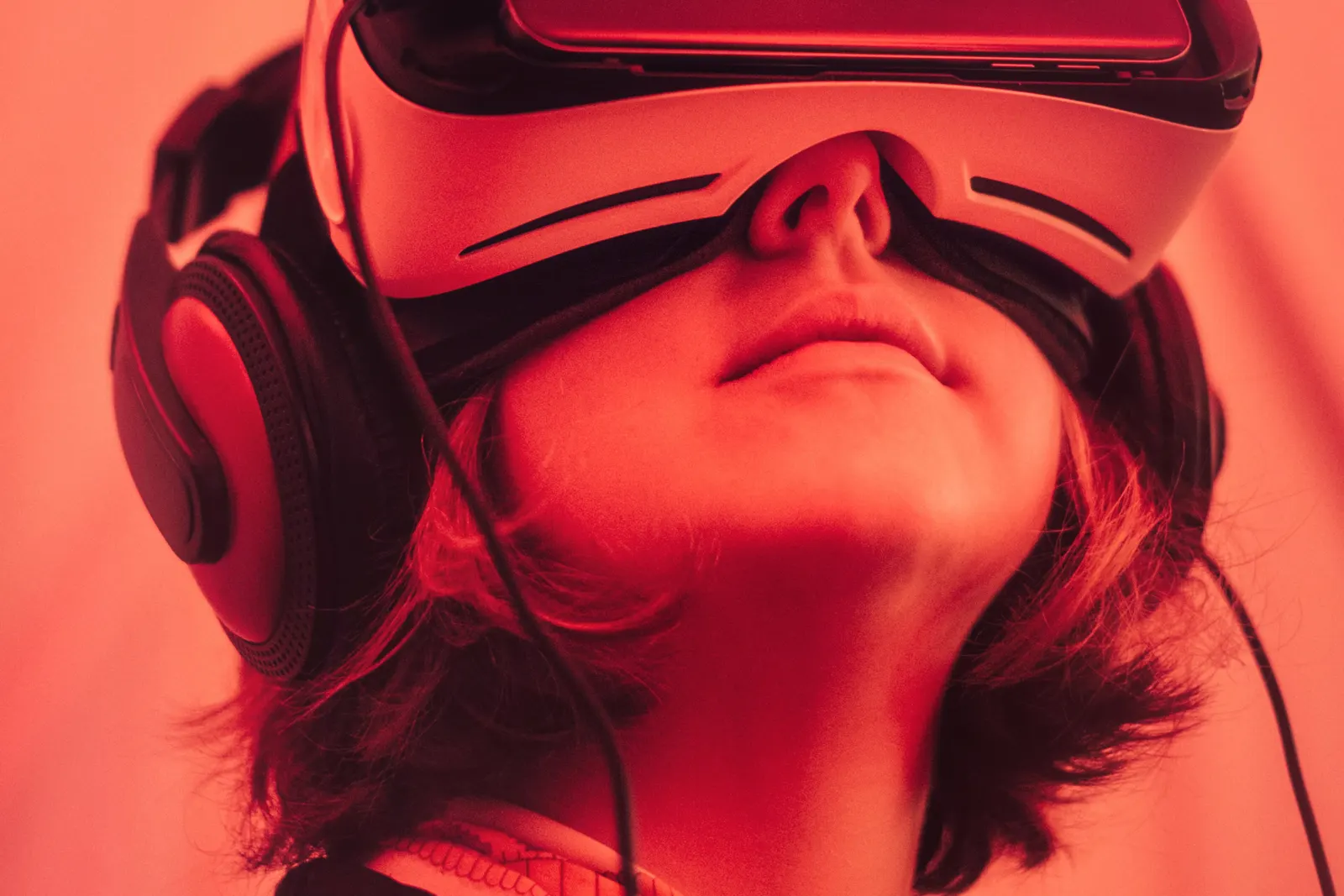
Virtual reality has moved well beyond novelty. Schools, colleges and training organizations increasingly use VR to make abstract concepts tangible and to let learners practice in environments that would be costly, distant or unsafe in real life. As VR hardware becomes more capable, its role in education keeps growing.
Short answer: virtual reality changes education by placing learners inside an experience instead of in front of it. VR supports immersive lessons in science, history and engineering, simulation-based practice, and career exploration, especially when paired with clear learning goals and supervision.
What can students learn in virtual reality?
- Science: exploring the human body, molecules or the solar system at scale
- History and geography: virtual visits to places students cannot easily travel to
- Engineering: examining machines and structures in three dimensions
- Simulation: practicing procedures in vehicles, cockpits or work environments
- Creative work: designing in 3D and building virtual spaces
Why does VR improve engagement?
VR gives learners presence, the feeling of being somewhere else. That presence often increases attention and curiosity. When students can walk around a model or look inside a structure, they can understand spatial relationships that are hard to grasp from a flat image.
What hardware do schools need for VR?
Quality VR requires a headset with good resolution and tracking, plus a PC powerful enough to render smooth visuals. The Esports Pod offers optional HTC Vive Pro Eye virtual reality, paired with an Alienware gaming PC. The Vive Pro Eye includes built-in eye tracking, which can support research and more natural interactions in compatible applications.
How do you manage VR safely in a classroom?
- Clear a safe play area free of obstacles
- Keep sessions short, especially for first-time users
- Watch for discomfort or motion sickness and stop if needed
- Clean headsets between users
- Follow manufacturer age guidance and school policies
How can the rest of the class participate?
One challenge with VR is that only one person wears the headset. The Esports Pod includes a projector slot, so a teacher can project the pod screen onto a classroom wall while one student explores. Classmates can observe, ask questions, and guide the user, turning a solo experience into a shared lesson.
How does VR connect to careers?
VR is used in fields including healthcare training, engineering, architecture, aviation and manufacturing. Students who gain early experience with VR hardware and software build familiarity with tools they may use later in their careers. VR development itself is a growing career field that combines programming, design and storytelling.
How should schools choose VR content?
Start with the learning goal, then find content that supports it. Look for applications that are age-appropriate, aligned with standards and easy for teachers to guide. Preview every experience before using it with students, and plan short activities with clear tasks and follow-up discussion. Thoughtful selection keeps VR focused on learning rather than novelty.
Explore VR-ready configurations on our products page and book a demo to experience it yourself.
How can schools start small with VR?
Begin with a single headset tied to one or two units where immersion clearly adds value, such as a science or career exploration unit. Train one or two teachers first, gather student feedback, and expand once routines are in place. A VR-capable station that also supports gaming and simulation keeps the hardware in use throughout the year, which makes the investment easier to justify.
Frequently asked questions
Is virtual reality safe for students?
VR can be used safely with supervision, short sessions, a clear play area and attention to motion sickness. Follow manufacturer age guidance.
What is eye tracking in VR?
Eye tracking detects where a user is looking inside the headset. It can enable more natural interactions and support research in compatible applications.
Can VR replace hands-on learning?
VR complements hands-on learning. It is most useful for experiences that are distant, expensive or unsafe to recreate in person.