Latency is the delay between a player's action and the game's response, and ping is the common measurement of it in milliseconds. In online games, lower and more consistent latency is fairer, but players in different places will never have exactly equal conditions, which is why in-person LAN events remain the fairest format.
Key takeaways
- Ping measures the round-trip time between your device and the game server.
- Jitter (uneven ping) and packet loss often hurt more than a slightly higher average ping.
- Distance, Wi-Fi quality and network congestion all affect results.
- Online matches across distance never guarantee equal conditions; LAN events do much better.
What is latency and what does ping measure?
Latency is the time data takes to travel between your device and a server and back. Ping is the usual test that reports that time in milliseconds, so a ping of 30 is faster to respond than a ping of 120.
Games send a steady stream of small updates: where you're standing, what you pressed, what the server decided. If those updates arrive late, the game feels sluggish, and in fast titles you can lose a fight you thought you'd won.
Why does online play never get perfectly equal?
Because players connect from different places over different networks. Distance matters, since signals take time to travel. So do the number of network hops, the quality of each home or school connection and whether a player is on Wi-Fi or a cable.
Developers use techniques to soften the differences, such as lag compensation, and matchmaking often tries to pair players with similar connections. These help, but they don't remove the gap. Anyone who says online matches are exactly fair is overselling.
What are jitter and packet loss?
Jitter is variation in ping from moment to moment, and packet loss is when some updates never arrive. Both can feel worse than a steady, moderately high ping.
- Ping: average delay, in milliseconds.
- Jitter: how much the delay bounces around.
- Packet loss: data that gets dropped and has to be resent or guessed.
A connection that holds steady at a modest ping is usually more playable than one that swings between very low and very high. Players describe this as rubber-banding or stutter.
How can you reduce latency problems?
Start with the basics, because most problems are local.
- Use a wired connection when you can; Wi-Fi adds variability.
- Close other bandwidth-heavy apps and streams during matches.
- Choose the closest game server region available.
- Check your router and avoid congested times where possible.
- Keep display settings sensible: a 144 Hz monitor with 1 ms response helps your screen keep up, but it doesn't change network ping.
That last point trips people up. Monitor refresh rate and network latency are separate things, and one doesn't fix the other.
Why do LAN events keep competition fair?
At a LAN event, everyone plugs into the same local network in the same room, so the delay between machines is tiny and shared. With identical machines, the playing field is as level as it gets.
That's why serious tournaments tend to use LANs for finals. For schools, it also means a district event in one gym can be fairer than any online ladder. Our global esports overview talks about how organized events fit into the picture.
If you're running events for students, test the network before game day. Plug in every machine, run a practice match and watch for stutter. A short rehearsal catches bad cables, overloaded switches and misconfigured settings long before anyone's competing for a trophy. For other practical guides, browse the blog.
Finally, explain it to players in plain language. Students who understand ping and jitter complain less about "lag" and troubleshoot more. That's a skill worth having, and it carries over into ordinary IT work.
Frequently asked questions
What is a good ping for gaming?
It depends on the game, but lower is generally better, and consistency matters as much as the number. Fast competitive titles are more sensitive than slower ones. As a rough guide, many players find pings well under 100 ms comfortable, though your game's own guidance is the best reference.
Does a faster monitor reduce ping?
No. A high refresh rate and low response time make the picture smoother and more responsive on screen, but ping is determined by the network path to the server. You can improve both, but they're separate things and need separate fixes.
Is wired internet really better than Wi-Fi?
Usually, yes. A cable tends to give steadier latency and fewer dropped packets than Wi-Fi, which is affected by distance, walls and other devices. A good Wi-Fi setup can be fine for casual play, but competitive players typically prefer a wired connection.
Why do some players seem to hit me through walls?
Often it's lag compensation and differing latency. The server reconciles actions from players with different delays, so what looks like a miss on your screen may be a hit on theirs. It's a trade-off built into online games rather than a sign of cheating.
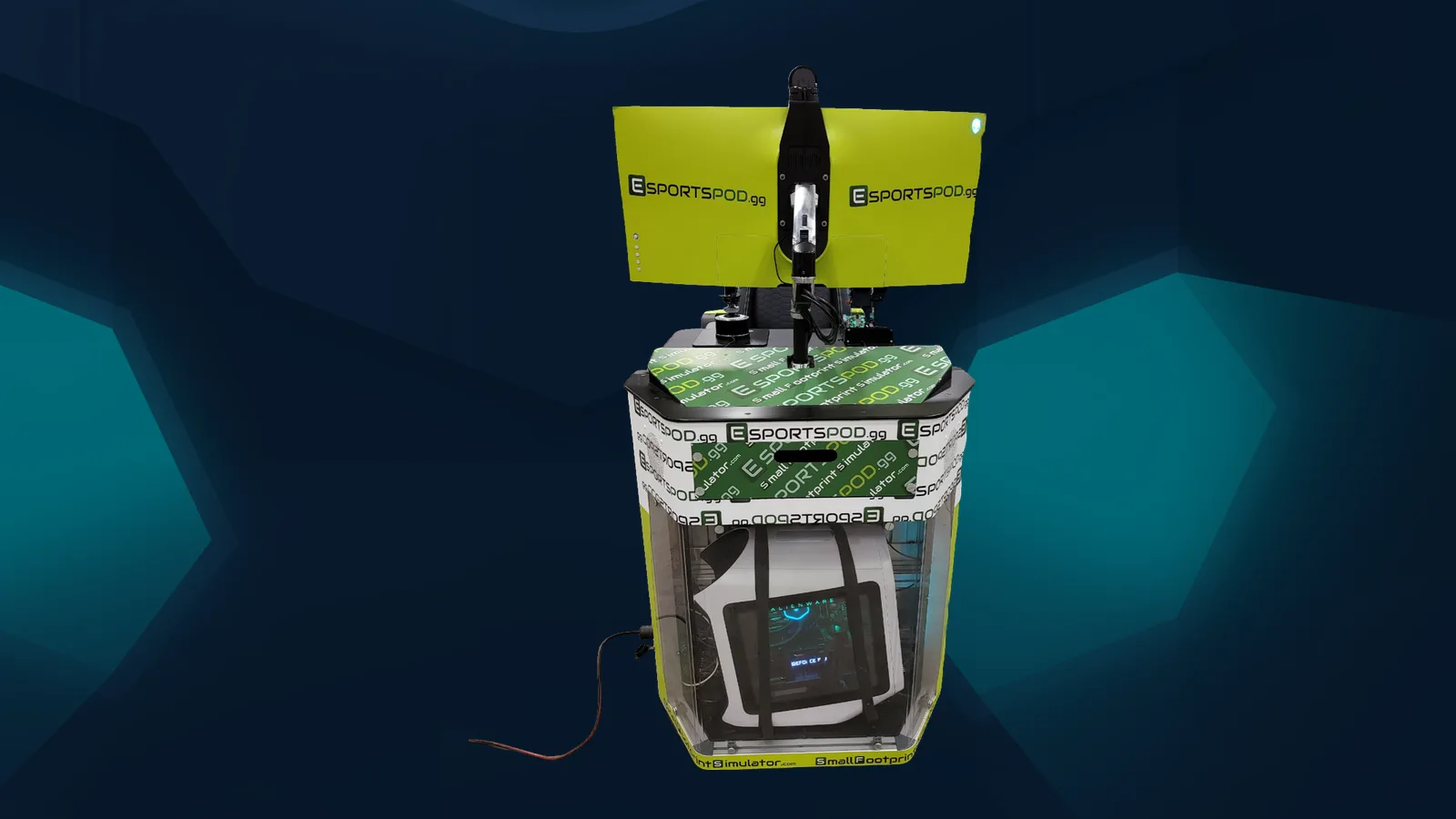
Schools that want predictable conditions can run in-room events on Esport Pod stations, which share identical hardware.